DigitalOcean alternativeKinsta vs DigitalOcean: Ditch the sysadmin stress
Kinsta provides a fully managed platform optimized for WordPress. Stop spending billable engineering hours on server maintenance, security patches, and caching configurations.
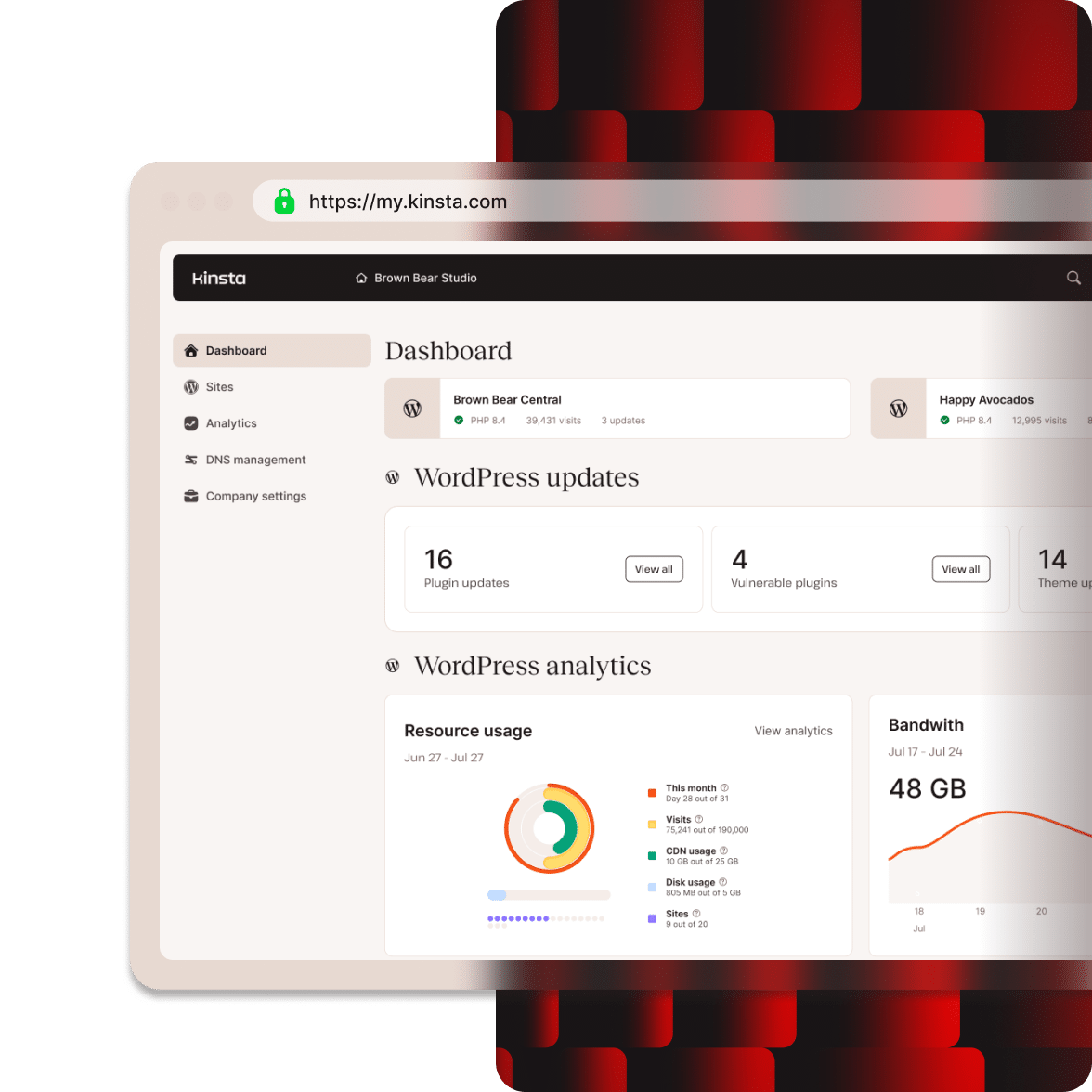
Powering 230,000+ mission-critical websites across 120+ countries


Meet Kinsta: Premium hosting for WordPress without limits

Fully managed WordPress stack
Host high-performing WordPress sites without spending hours configuring servers, tuning MySQL, compiling PHP modules, or fixing broken environments.

Built-in enterprise security
Protect your site portfolio with Cloudflare Enterprise, enterprise-grade DDoS protection, automated firewalls, and free malware cleanup.

24/7/365 live expert support
Get direct access to seasoned WordPress engineers in under two minutes via live chat, no escalations or ticket queues.
Side-by-side: Why Kinsta is the best DigitalOcean alternative
| With Kinsta | DigitalOcean | |
|---|---|---|
| G2 User Rating | 4.8/5 | 4.6/5 |
| Fully managed WordPress stack | ||
| Support Model | 24/7 single-tier expert chat (all plans) | Paid ticket add-on/tiered |
| Performance Monitoring | Free, built-in Kinsta APM | DigitalOcean monitoring |
| Uptime Monitoring | Every 3 minutes (480x/day) | 1 free uptime check/month |
| Global CDN Points | 300+ Edge locations | 274 |
| Global Data Centers | 30 | 20 |
| Management Dashboard | MyKinsta (WordPress focused) | Basic control panel dashboard |
| Staging Environments | Free on all plans (one-click) | Separate test server/third-party |
| Native Bot Protection Dashboard | Built-in on all plans | 1-click apps/manual Cloudflare firewall setup |
| Malware Removal | Free hack-fix guarantee | Shared responsibility/paid add-ons |
| Free expert-led migrations | Handled by engineers | Manual/self-managed |
| Cloudflare Enterprise WAF & DDoS protection | Included free in all plans | Requires self-configuration |
| 30-day money-back guarantee | ||
| *First Month Free |
The WordPress Hosting Leader on G2
 4.8 stars · 1,600+ reviews


Isolated server resources eliminate resource contention
Most managed hosts use shared resource pools where sites can compete for server resources during traffic spikes.
Kinsta uses isolated Linux containers (LXC/LXD) and allows you to choose from 30 data centers, giving every site its own private environment with dedicated Linux, Nginx, PHP, and MySQL resources.
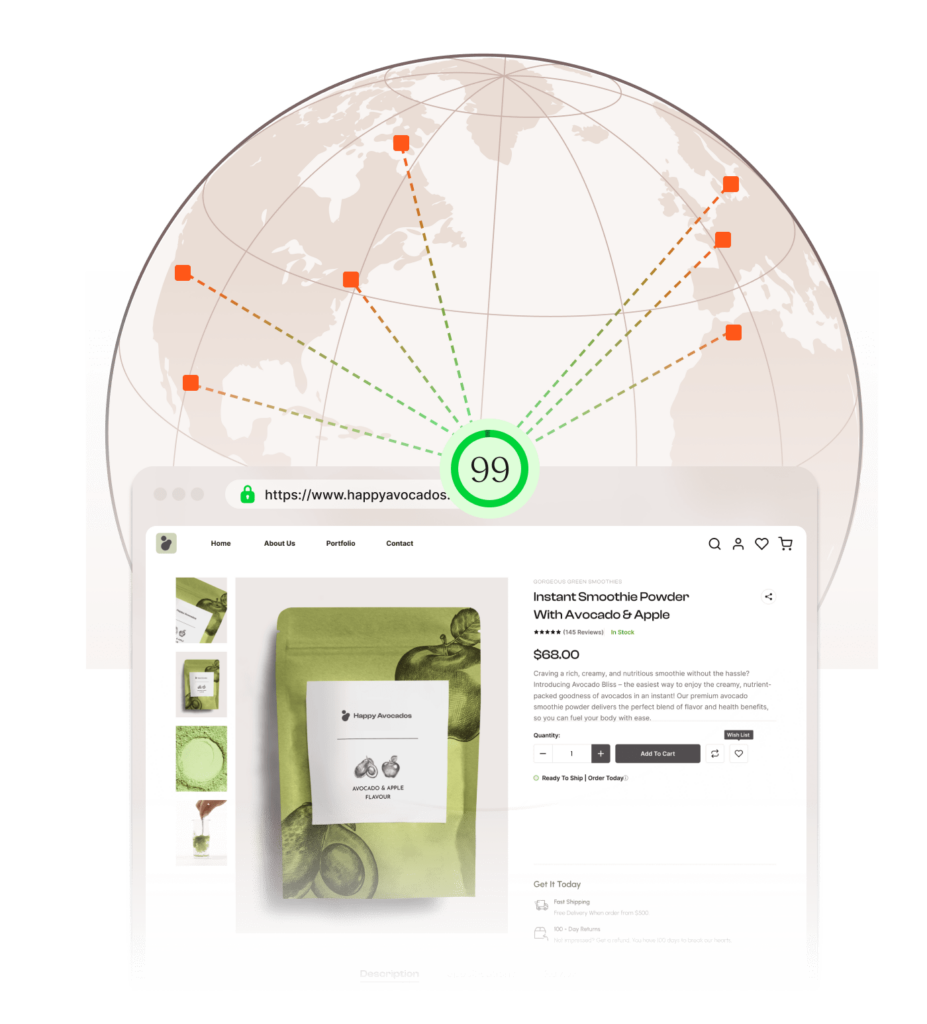
Enterprise edge caching engineered specifically for WordPress
On unmanaged cloud instances, resource contention from neighboring virtual machines can cause unpredictable performance dips during traffic spikes.
Kinsta runs every site in an isolated LXC container with dedicated CPU, RAM, and PHP resources. Free Cloudflare Enterprise edge caching across 300+ locations delivers static and dynamic assets fast without complex caching plugins.
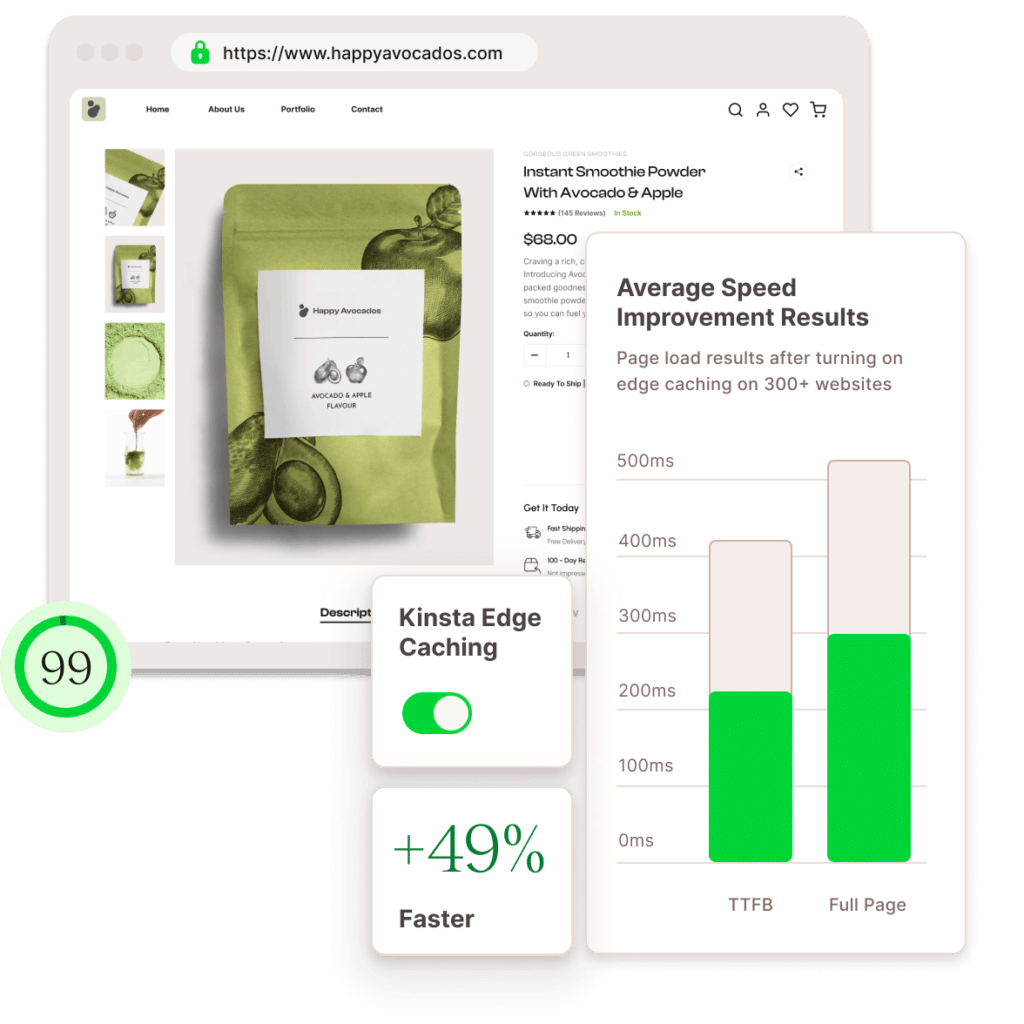
Eliminate system administration and maintenance overhead
DigitalOcean Droplets require ongoing server management, from configuring web servers and PHP to security patches and database tuning.
Kinsta handles the infrastructure, updates, and optimization for you, delivering high-performance cloud hosting without the operational overhead.
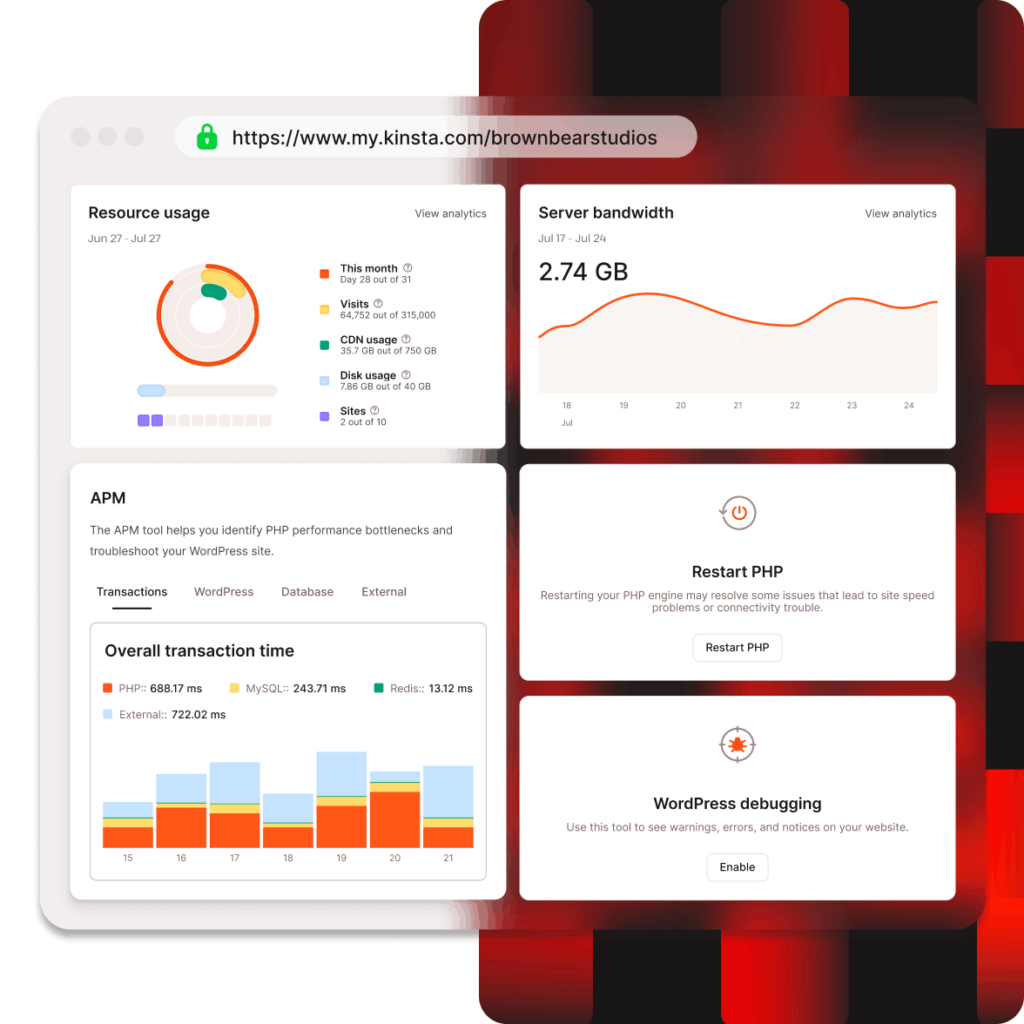
Switch from DigitalOcean without the migration hassle
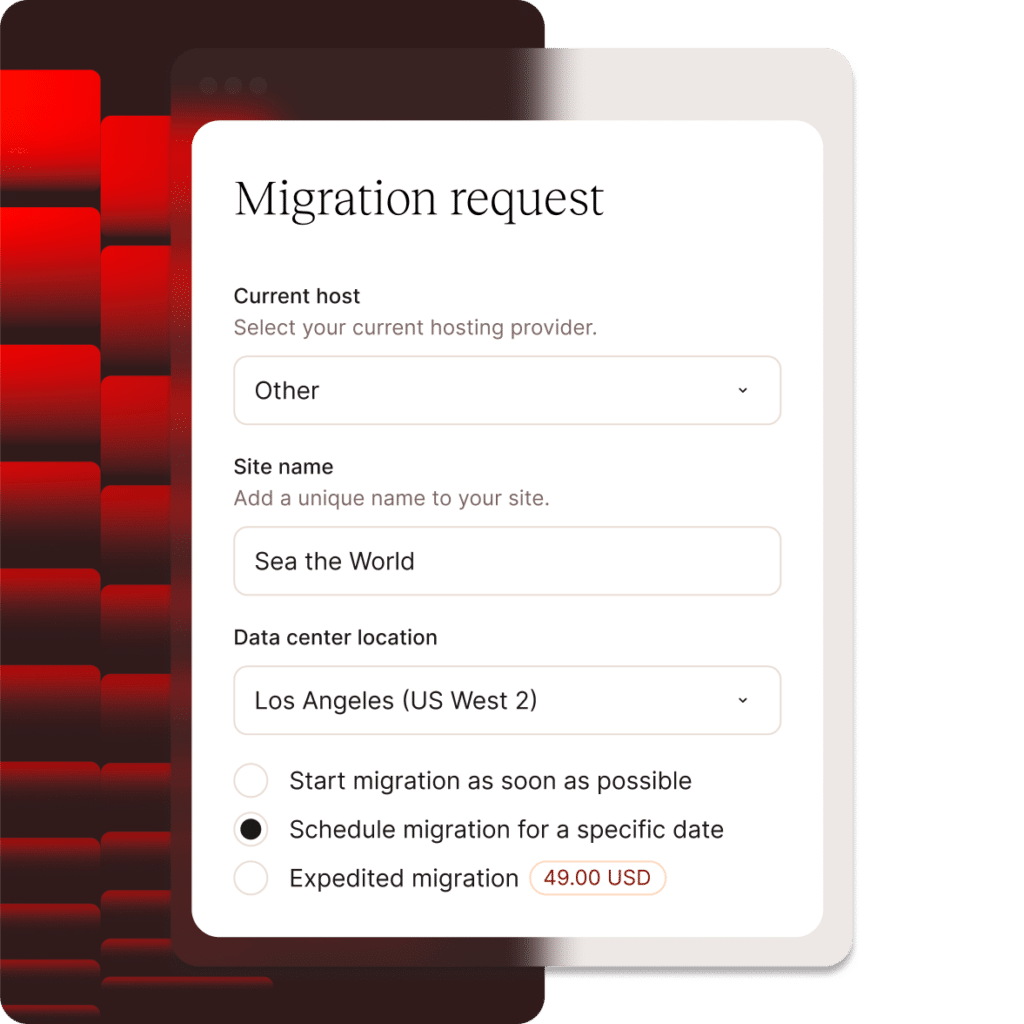
Leave the complexity of migration to Kinsta. Our unlimited, free migrations are handled by experienced professionals, so you can switch hosts with confidence.
Our team manages the migration process for you, helping prevent downtime, compatibility issues, and configuration headaches while ensuring your WordPress environment is ready to go from day one.
24/7 support delivered by WordPress engineers
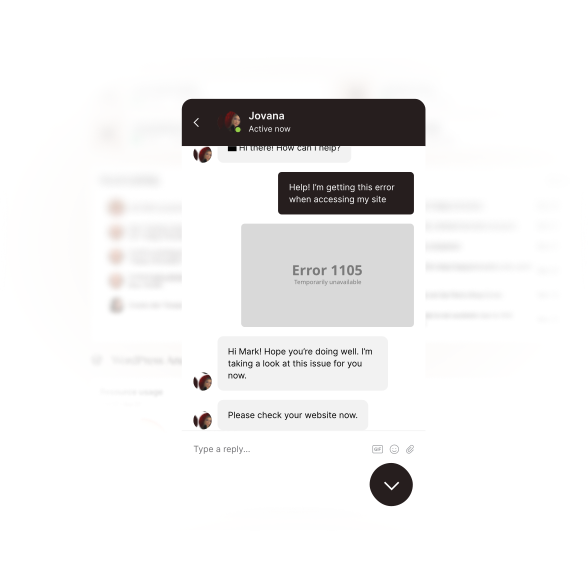
At Kinsta, expert support is available 24/7/365 via live chat in 8 languages, with an average initial response time under two minutes.
Our support engineers specialize in WordPress and Linux server diagnostics, troubleshooting database bottlenecks and application errors directly without support tier escalations.
Enterprise-grade protection, built in
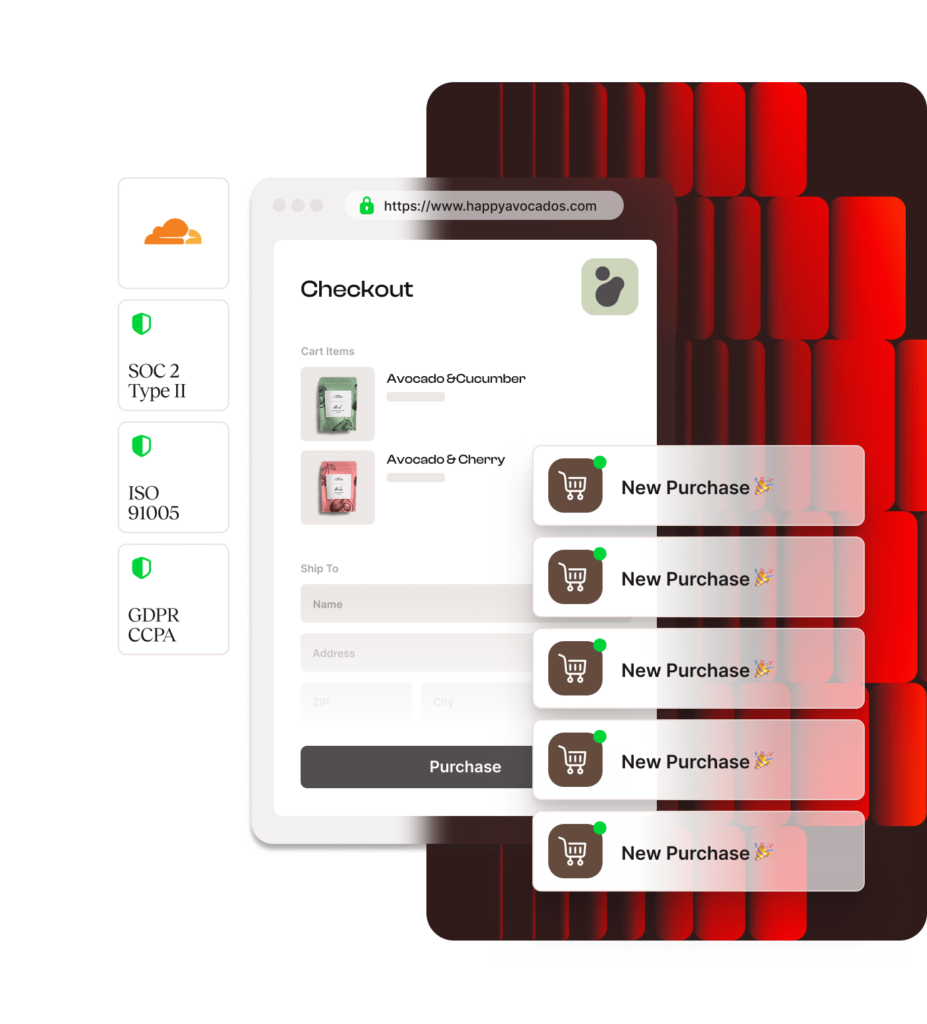
Kinsta includes Cloudflare Enterprise security on every plan, providing automated DDoS protection, hardware firewalls, and free wildcard SSL certificates.
We perform automated daily backups with one-click restores, monitor site uptime every 3 minutes, and resolve security issues at no cost under our Malware Security Pledge.
More power, more peace of mind: Additional Kinsta advantages

Kinsta API for automation
Connect your internal tools directly to the Kinsta platform. Automate site creation, backup management, and cache clearing to build a truly customized workflow.

Agency Partner Program
Get listed in our Agency Directory. Get exclusive benefits, including account management and white-labeling options to help you scale.

$300+ in added value
Each Kinsta plan includes over $300 in premium tools and performance features, plus developer resources, all built in at no extra cost.

“Since moving to Kinsta, we’ve grown the number of sites we host by almost 30%, backed by flexible scaling and incredibly responsive support. Performance has improved dramatically, WooCommerce caching issues have disappeared, and our e-commerce clients are seeing increased sales and revenue.”
Grant Darragh
Owner at Gradient9 Studios
Stop managing servers and start scaling your business
Experience faster page speeds, zero server management, and 24/7 expert support.
FAQs
What features are included in Kinsta’s starting price compared to DigitalOcean?
DigitalOcean provides raw virtual compute starting at low base prices, but you remain responsible for server updates, security monitoring, backup infrastructure, CDN setups, and technical troubleshooting.
Kinsta’s starting price includes enterprise Cloudflare security, automated daily backups, global edge caching, APM tools, and 24/7 live engineering support out of the box—saving you hundreds of dollars per month in third-party software licenses and sysadmin labor.
How difficult is it to migrate my WordPress sites from DigitalOcean to Kinsta?
Migrating to Kinsta is completely seamless and risk-free. Our full-time migration team handles the entire process for you, including files, databases, and SSL configurations, ensuring zero downtime during the transition.
Once you create an account, simply submit your migration request via the MyKinsta dashboard, and our engineers will move your sites safely.
Will my website perform faster on Kinsta than on DigitalOcean?
Yes. Websites migrating from DigitalOcean to Kinsta experience an average performance speed boost of 26%.
Kinsta hosts every site in its own isolated LXC container with dedicated CPU, RAM, and PHP resources.
Your site never shares resources with other applications, preventing outside traffic surges from impacting your load times.
What kind of technical support does Kinsta offer compared to DigitalOcean?
Kinsta provides 24/7/365 live chat support across all plans with an average initial response time of under two minutes.
Our support team is composed entirely of Linux and WordPress engineers who diagnose and fix application-level errors directly.
Unlike unmanaged cloud hosts that only monitor server uptime, we help resolve site-specific issues without support escalations or ticket queues.
Is Kinsta’s hosting SOC 2 compliant?
Yes. Kinsta is SOC 2 and ISO 27001 compliant, providing independent proof that we have established and adhered to rigorous security procedures over time.
This level of compliance is often a requirement for enterprise clients and agencies handling sensitive data—a standard that many other managed hosts do not meet.
Is Kinsta hosting suitable for high-traffic WooCommerce stores?
Yes. Kinsta’s infrastructure is specifically tailored for resource-intensive WooCommerce and membership applications.
Our server-side edge caching rules automatically bypass sensitive cart and checkout pages while caching dynamic assets, ensuring fast checkout experiences and seamless handling of promotional traffic spikes.
What happens if my site gets infected with malware on Kinsta?
Kinsta provides enterprise-level security on every plan, featuring Cloudflare Enterprise firewalls, automated DDoS protection, and continuous uptime monitoring.
In the rare event that your WordPress site is compromised while hosted on Kinsta, our security specialists will clean and restore your site for free under our 100% Malware Security Pledge.
Can I manage multiple users and client access?
Absolutely. MyKinsta features a robust multi-user environment that allows you to add unlimited team members and clients to your account.
You can assign granular permissions to each user, ensuring that clients only see what they need to while your team has full access to management tools.
Does Kinsta offer a money-back guarantee or free trial?
Every Kinsta plan includes a 30-day money-back guarantee, allowing you to test our hosting platform completely risk-free.
Additionally, select plans feature a “First Month Free” promotion. There are no long-term contracts, and you can upgrade, downgrade, or cancel your hosting subscription at any time directly from the MyKinsta dashboard.
Can’t find what you’re looking for? Chat with us